Client portal
Keep clients in the loop, on your terms
Invite a client to their project. They see the items you share, comment on them and add requests, from their phone or laptop.
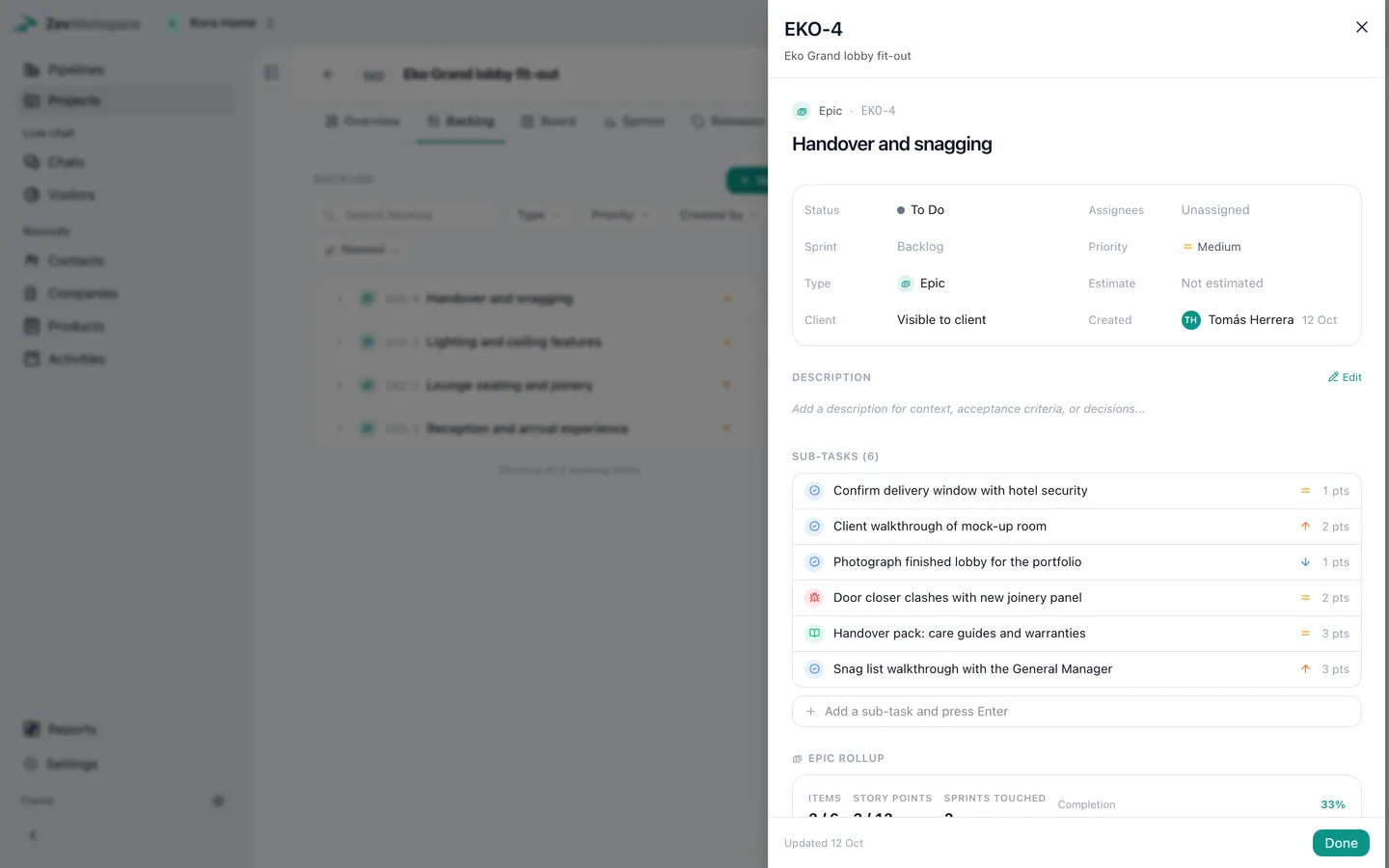
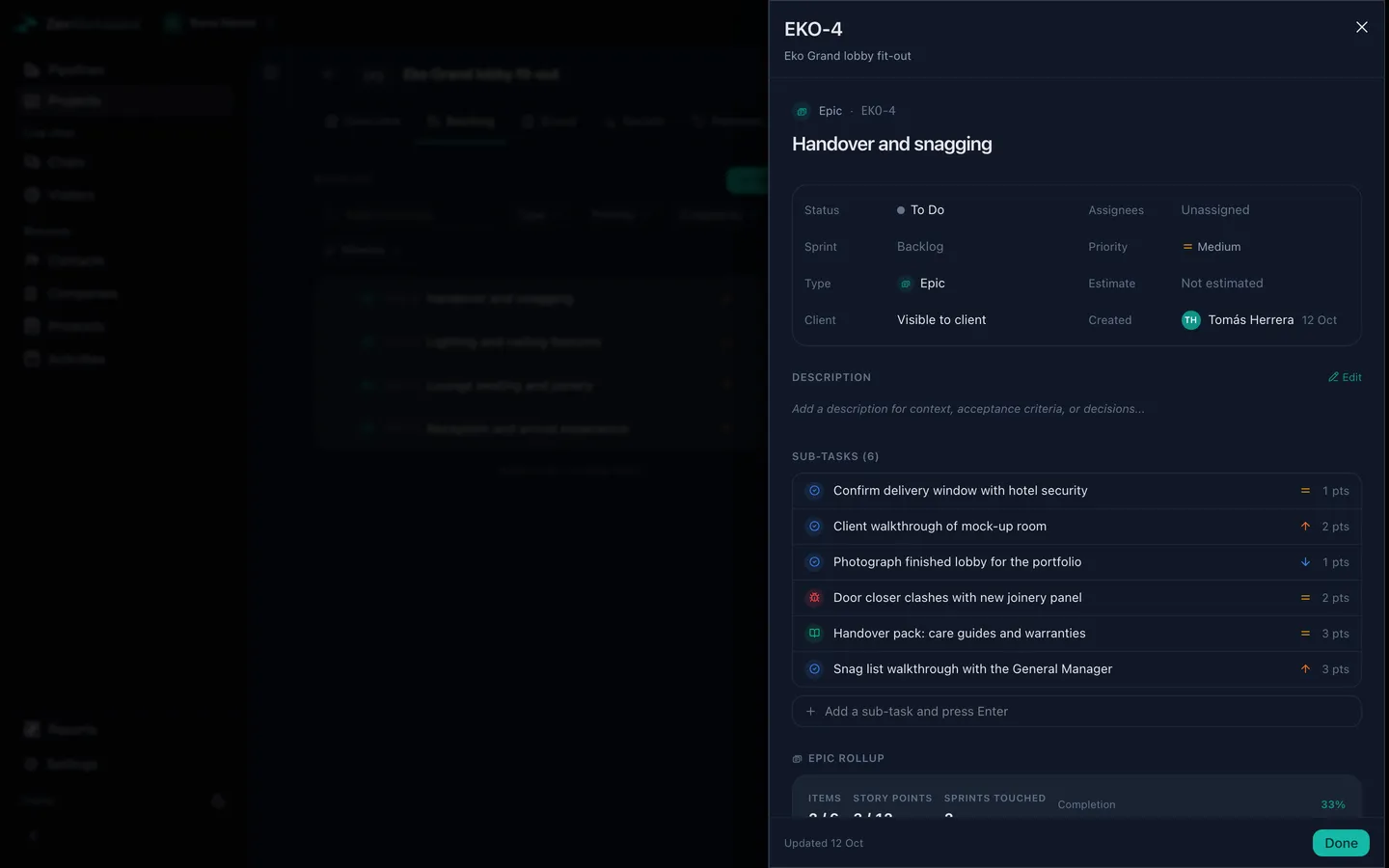
You choose what they see
Share an item with the client with one switch. Everything else stays inside the team.
Two kinds of comments
Comments shared with the client appear in their portal. Internal comments are for the team only, and say so before you post.
Requests land in your backlog
When a client asks for something, it arrives in the project backlog, ready to plan. No more requests lost in a chat thread.
How access works
- Sign in with ZevID Clients use one Zevop account, with no new password for your workspace.
- Per project A client only ever sees the projects you invited them to.
- Revoke any time Remove a client and their access ends straight away.
Also in ZevWorkspace
Bring your pipeline, projects and clients together
Start free. New accounts get 14 days of Business to try everything.