CRM
See every deal, and what happens next
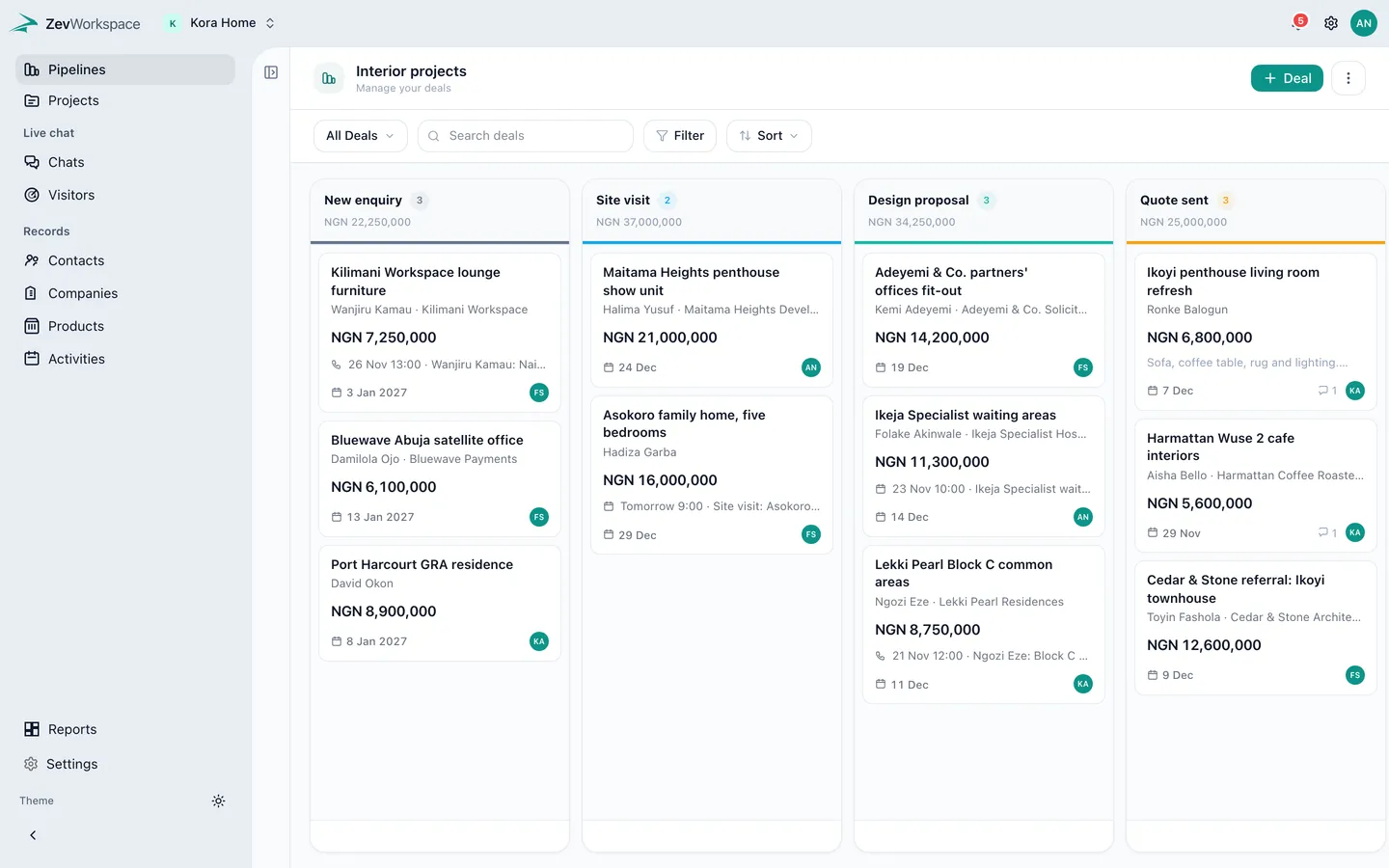
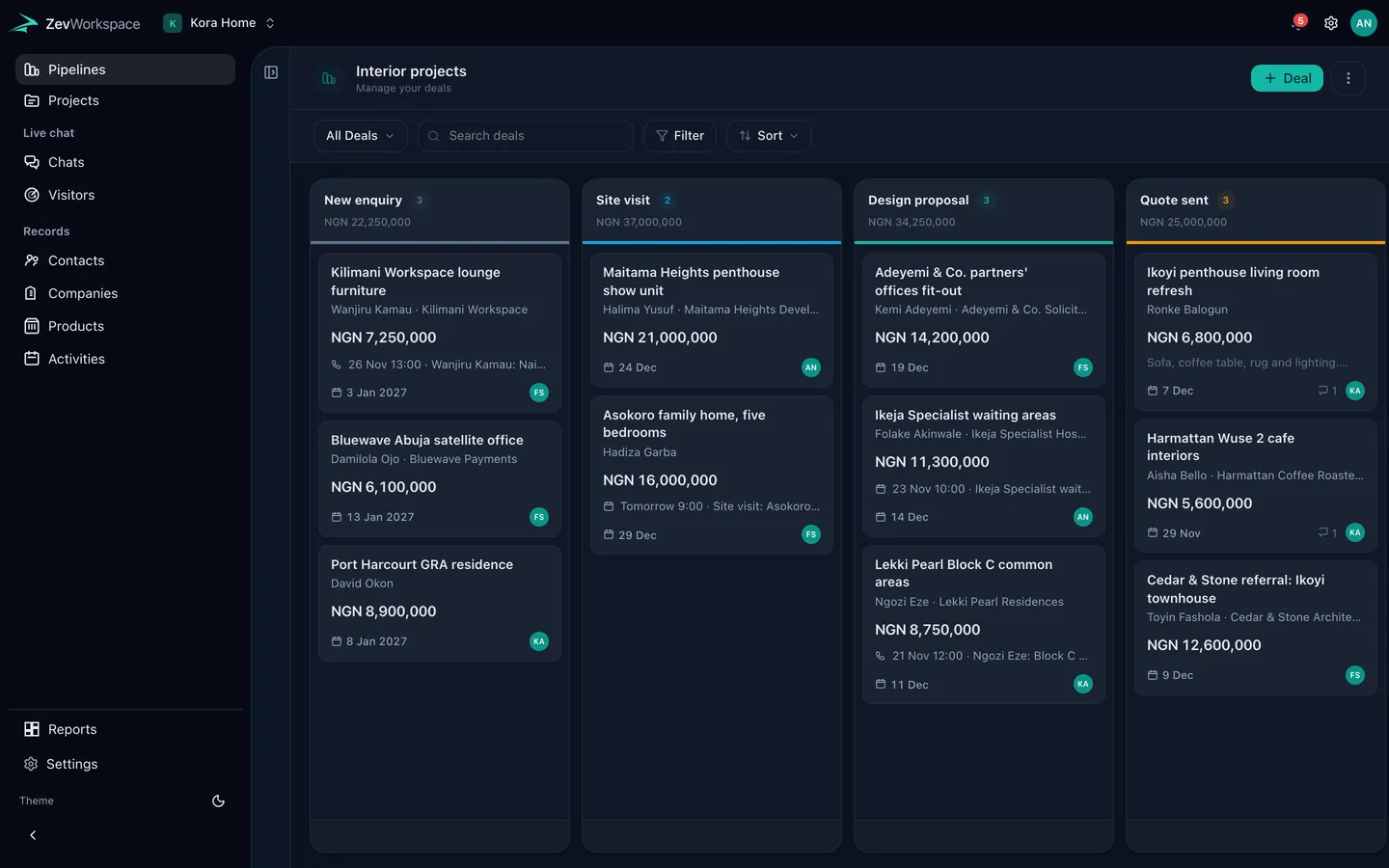
Pipelines are boards of the work you are trying to win. Drag a deal to its next stage, see what it is worth, and who owns it.
One board per way you sell
Keep project sales, wholesale and repeat clients apart, each with its own stages. Totals per stage show what is in play at a glance.
- Stages you name and reorder
- Amounts in your currency, with others converted at your rates
- Owners and closing dates on every card
Everything about a deal in one place
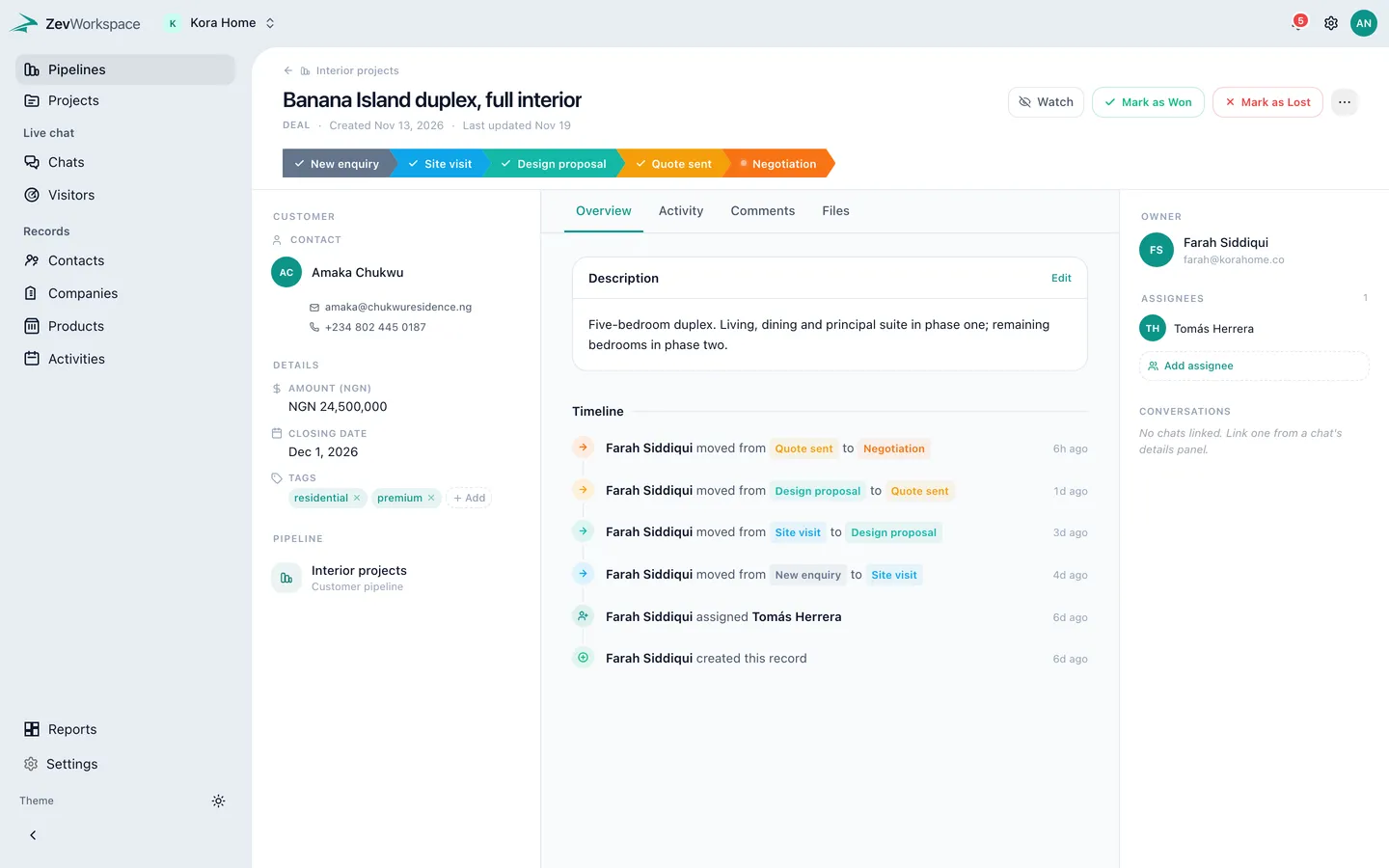
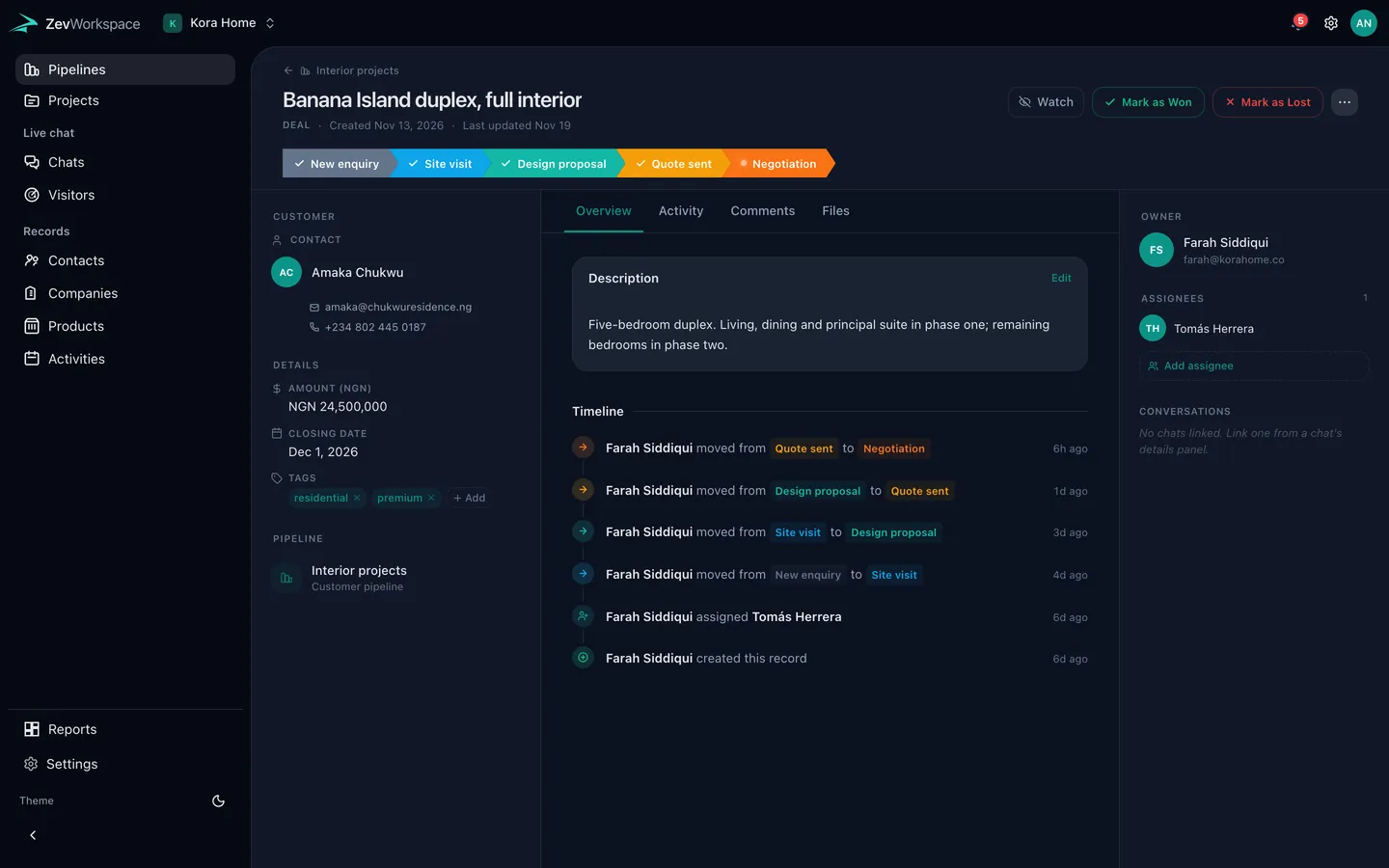
Open a deal to see the contact, the company, the products quoted, the calls and meetings, and the conversation your team had about it.
- Comments that stay internal, or are shared with the client
- Files attached where they belong
- Watch a deal to hear when it moves
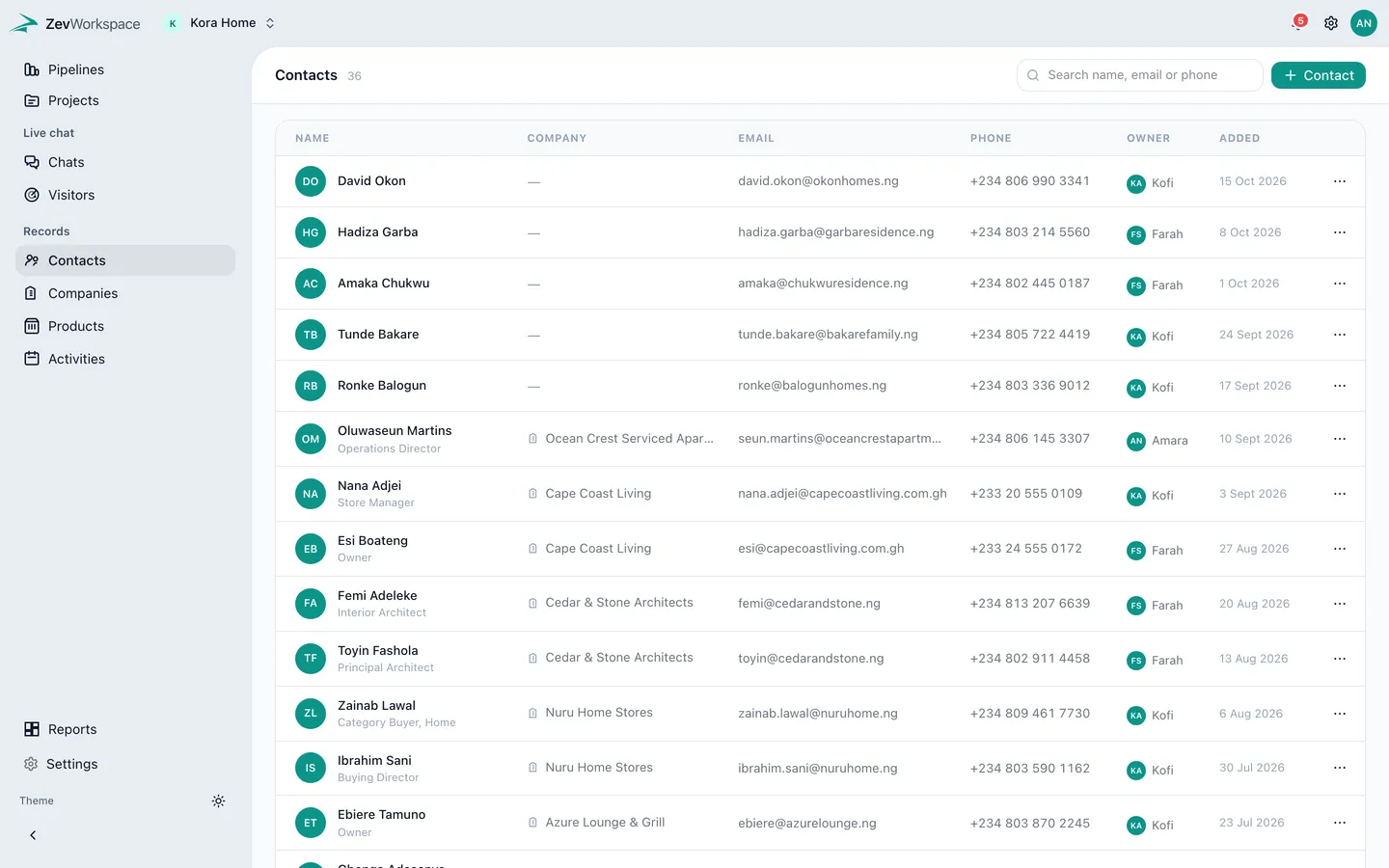
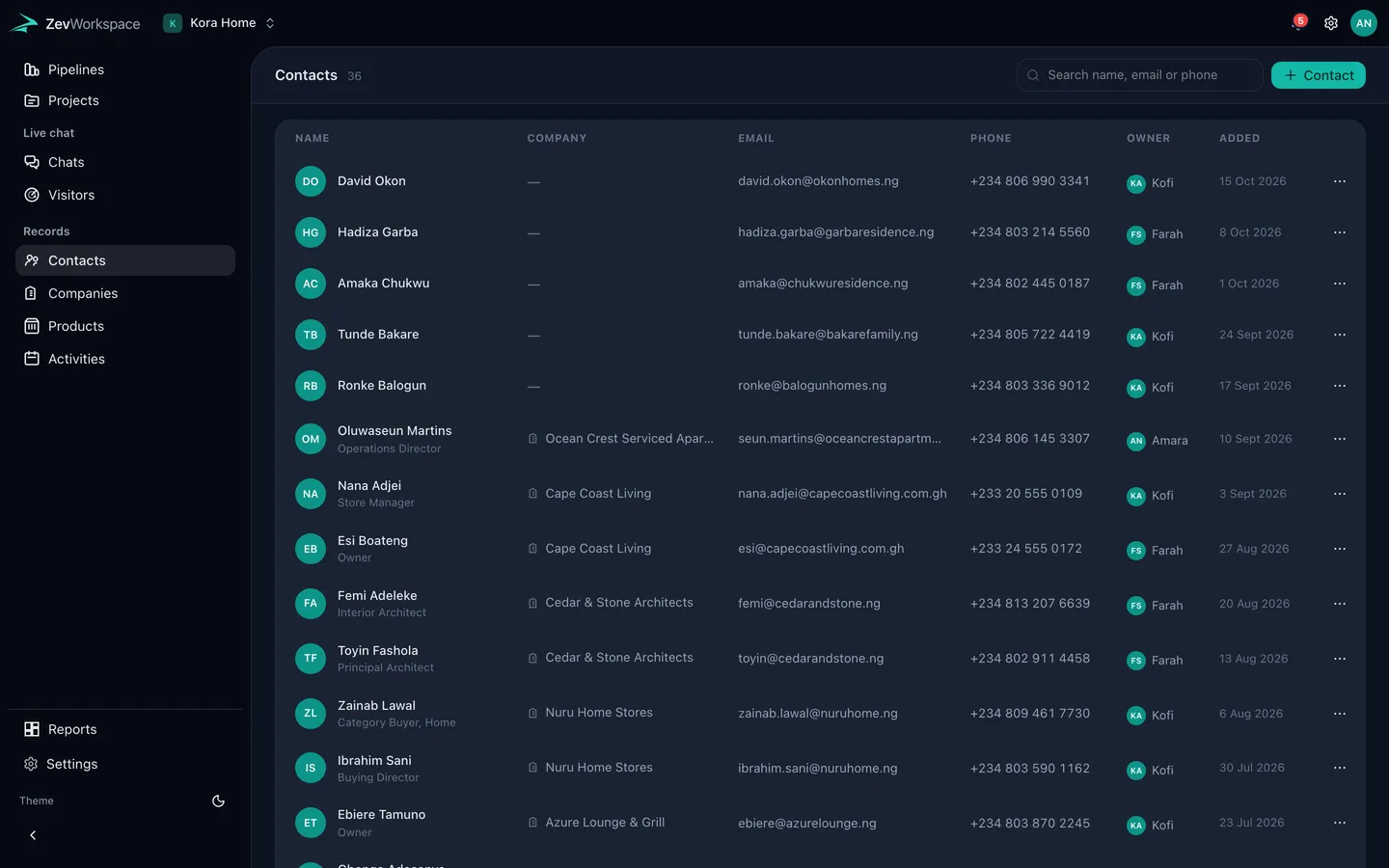
People and companies, linked to the work
Contacts and companies are connected to their deals, so you can see the history with a client before you call them.
Also in the CRM
- Products and services A price list you attach to deals, in categories.
- Multiple currencies Quote in the client’s currency; reports convert at your rates.
- Activities Calls, meetings and tasks on a calendar, with reminders.
- Pipeline reports Value by stage, win rate and what closes this month.
Also in ZevWorkspace
Bring your pipeline, projects and clients together
Start free. New accounts get 14 days of Business to try everything.